


It’s easy to forget about the internet’s real world consequences, thanks to its virtual nature. As strange as it may seem, something completely virtual can have an impact on the environment. Yes, websites have a carbon footprint. The internet feasts on electricity. It all comes down to the billions of devices surfing the web and the servers used to store all the data.
According to carbon calculator Website Carbon, the average website produces 0.36g of CO2 for every page view. The most visited websites like YouTube can generate hundreds of millions of kg of CO2 per year and websites are a key part of the digital industry which is now responsible for around 4% of global carbon emissions. Yikes! Strangely, facts like these aren’t widely broadcasted. But they should be.
This article lists some ways tools to help you streamline your site. Continue reading to learn how to make your website more environmentally friendly by emitting less carbon.
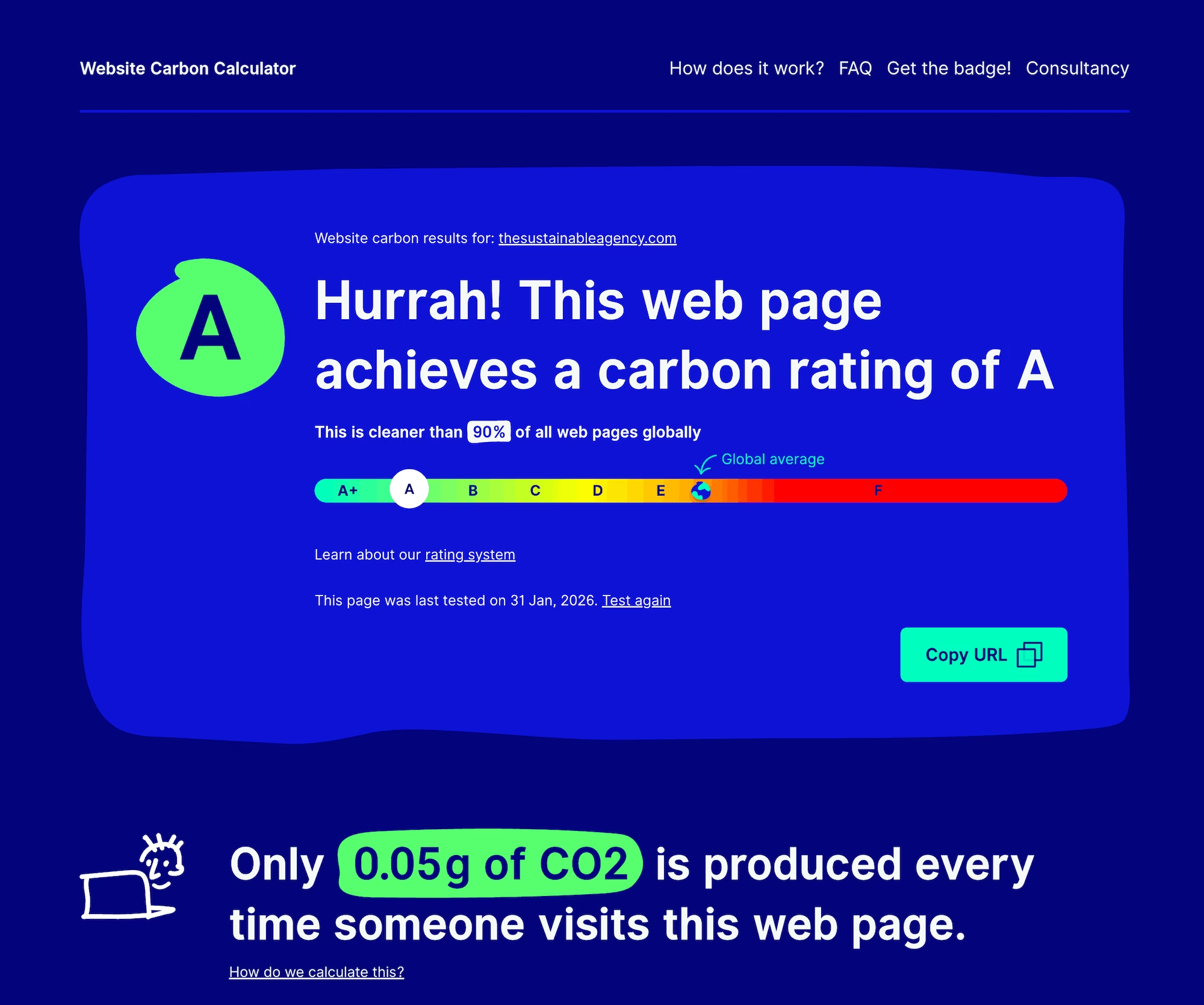
And in case you’re wondering how qualified we are to give advice – we’ve put a lot of work into our own website and it’s now cleaner than 90% of other websites. Each page view only generates around 0.05g of C02.
Optimise web images
Images and videos are the biggest contributors to page weight on most websites. Think about it. The more you use and the larger they are, the more data needs to be transferred and the more energy is used.
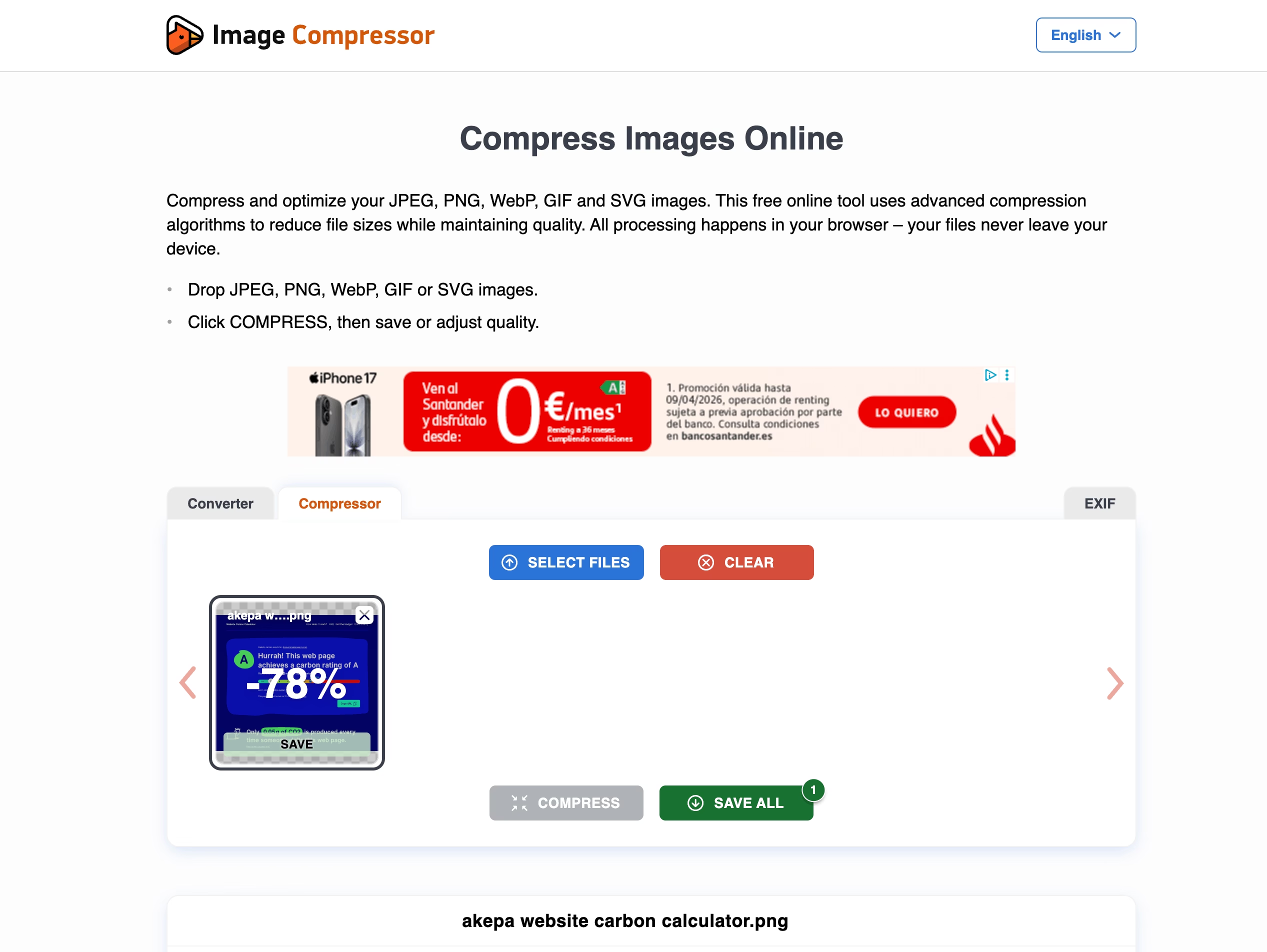
One way to reduce the size of your images is to use smaller, modern image formats – such as SVG, AVIF and WebP. However, compatibility with CMSs and browsers can still be tricky with these formats so if you’re still using good ol’ jpgs and pngs then fortunately, reducing image size before uploading to your site is easy. Here’s a tool to shrink your high-resolution images:
What does it do:
- Uses a combination of best optimization and lossy compression algorithms to shrink JPEG, GIF, and PNG files.
- Reduces images to minimum possible size while keeping the required level of quality.
- Can compress up to 20 images at a time.
- Performs compression automatically, but gives you the option to manually change value (and therefore size).
- Optimized images use less bandwidth and load faster.
- Files display perfectly on all modern browsers, including mobile devices.
- Can also improve your website’s usability and SEO by improving website performance!
What does it cost:
- Drag & drop up to 20 images for free in one go.
And whatever breeds of images you’re using – also enable lazy loading. For that we use WPRocket, which there’s more about later in the post.
Use green web hosting
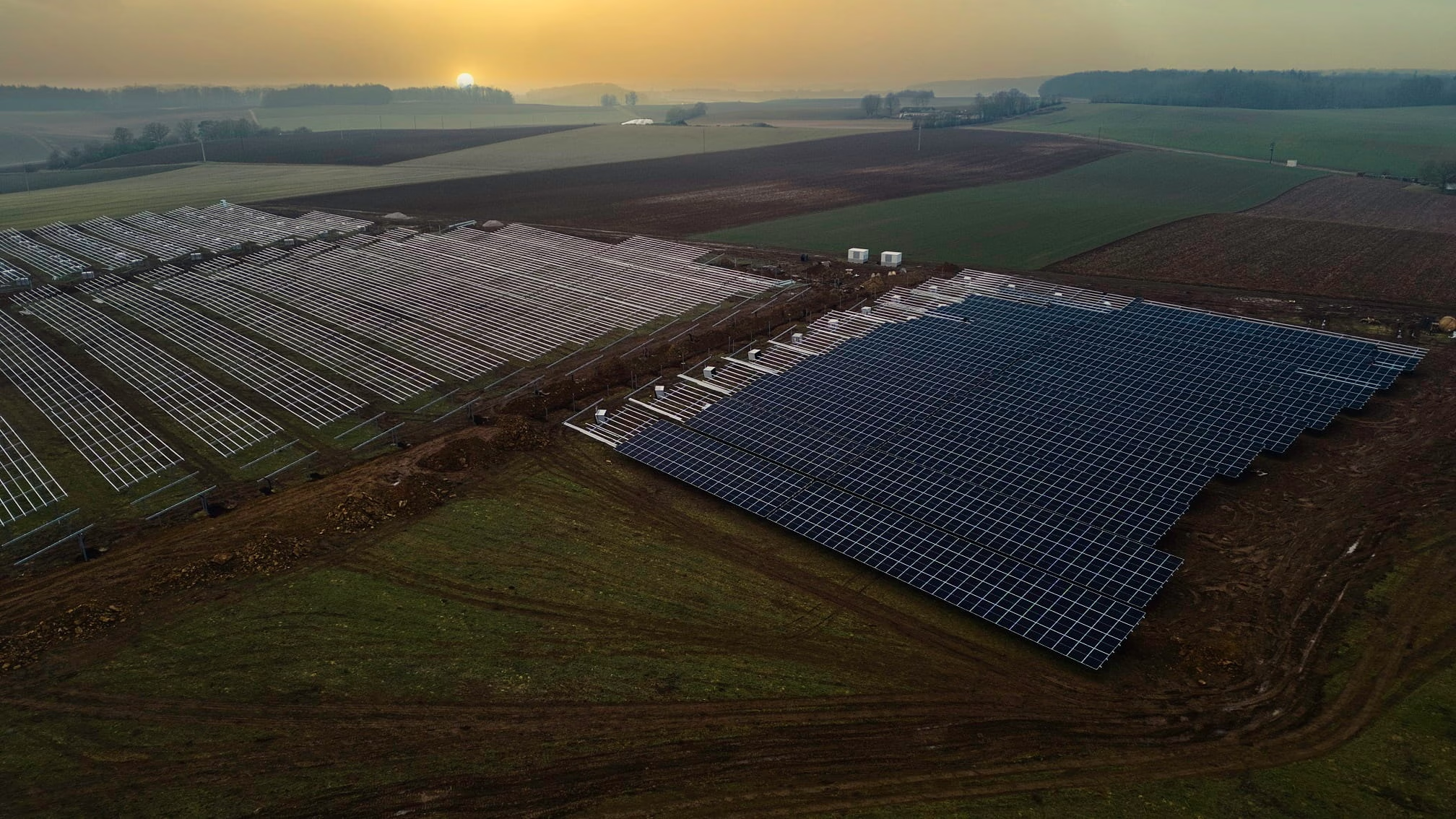
At Akepa we host our website on a VPS (virtual private server) on Hetzner that’s powered by 100% renewable energy. We’re delighted with the performance and the difference it has made to the amount of carbon our website produces. When you’re looking for green hosting, this is the way to go – if the ‘green’ bit is explained tree planting or offsetting alone, it’s too flimsy.
➡️ Hetzner
That’s not the only option but with green web hosting still finding its feet, it can be rather challenging to find a host that uses renewable energy only. Unfortunately, many hosting companies don’t run their own data centers. This means hosts have less control over how the servers are operated. There is a way around though. Simply look for a hosting provider that’s partnered with Google Cloud Platform (GCP), such as CloudFlare. Google’s goal is to run on carbon-free all the time at all data centers by 2030. Using a host paired with GCP will bring you closer to creating a sustainable website.
➡️ CloudFlare
What does it do:
- Protects and accelerates websites online.
- Optimizes the delivery of your web pages automatically for best performance.
- Blocks threats and limits abusive bots and crawlers from depleting bandwidth and server resources.
- Addresses data locality and privacy obligations in Europe.
What does it cost:
- Offers various plans for your personal and business needs: free options, paid monthly plans and annual contract plans.
Optimize your server
When making websites faster and less carbon intensive, one of the most impactful things you can do is tweak your server. This can be an intimidating task, which is why it’s one of the most overlooked steps, despite the benefits.
There is no single magic tool that we’re aware of and, since you’re liable to cause mayhem for your website if you mess around with your server without the requisite dexterity, it’s best to work with a human expert who’s versed in these arcana.
Here are some tips and tools for now, though, from some of our own dabblings:
- Enable HTTP/3, or at least HTTP/2 – HTTP/3 can now establish connections by up to 33% faster.
- Use the latest version of PHP.
- Install the fastest software for your server. In our case we use the latest version of Nginx but Litespeed is a fast alternative.
- Enable Gzip compression – or even Brotli compression.
- You can also add server caching that shouldn’t clash with the browser caching provided by tools like WPRocket.
Minimise the transfer of data with caching
One of the most effective ways to reduce the transfer of data is to set up web caching. For the lay reader, caching means “keeping something that you use frequently close to you for future requests”. In other words, when someone comes back to a page, they can get the data from the cache location rather than query the web server again. Caching is beneficial because it helps reduce latency, server load and network bandwidth. Thus, improving your website’s response time and overall performance. For caching – and other website performance lifts – we use WPRocket.
➡️ WPRocket
What does it do:
- Reduces bandwidth and improves response times by reusing frequently-requested web pages.
- Extensive access controls and makes a great server accelerator.
- Reduces server load and improves delivery speeds to clients.
- Handles an array of other tasks that improve performance and lower CO2, such as minification of CSS, HTML, and JavaScript – and lazy loading of images and video.
What does it cost:
- Paid tool but relatively affordable at $59 per year for a single site.
- Freemium plugins to handle caching are also available – depending on your CMS.
Reduce your digital carbon footprint
Every time a link is clicked on, it contributes to the pollution of the planet. This energy usage associated with digital presence is often overlooked, but every little thing counts. One reason people might be ignoring this mounting issue is they think switching to an earth-friendly website is expensive or a lot of effort. This cannot be further from the truth. The following emerging tool can help you lower the impact of your digital footprint. Let them handle all the tech stuff for you.
➡️ GreenFrame
What does it do:
- Helps developers build energy-efficient and low-carbon web applications.
- Decarbonizes websites by detecting carbon leaks.
- Meets growing demand for transparency on ESG performance.
- Analyzes how much Co2 your web application releases.
- Uses resources more efficiently to help you save money and gain in ROI.
- Load pages faster, increasing customer satisfaction.
What does it cost:
- Startup plan for small teams: 125€/mo, 1 month free trial included.
- Business plan for web agencies and big teams: From 250€/mo, 1 month free trial included.
Find new website tools with green search
Creating an environmentally friendly website doesn’t stop at building a simple website, minimising page load speed, and using green hosting. These are only a few ways you can improve your website’s digital footprint. There are plenty more and you’ll be needing a search engine to find some of that emerging stuff over the coming years.
➡️ Ecosia
What does it do:
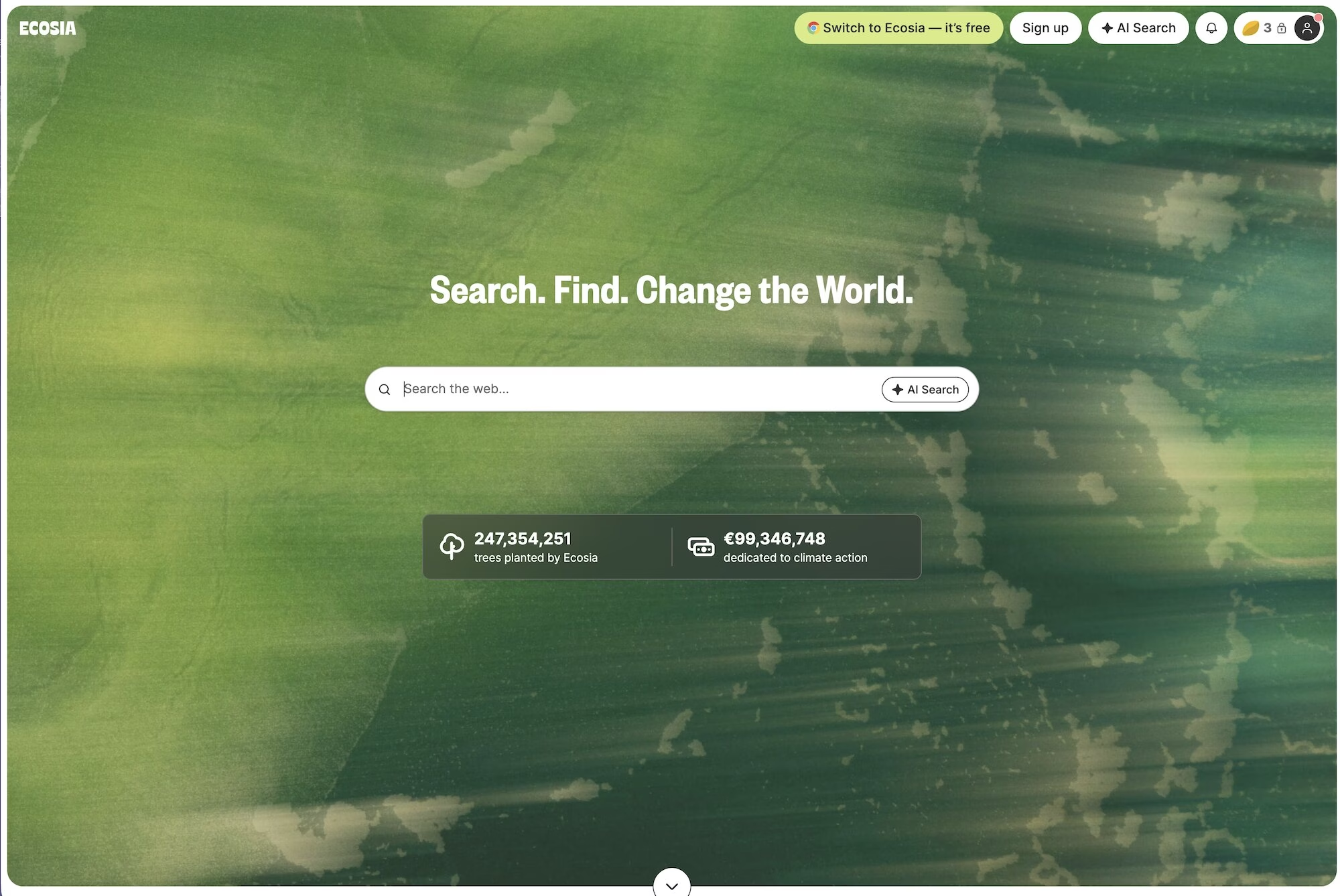
- Plants a tree every time you search.
- At least 80% of profits are allocated to tree planting.
- Ecosia has planted nearly 250million trees from people searching, so far.
- Projects in the 35+ countries – including the world’s biodiversity hotspots, such as Brazil and Guatamala.
- Mainly planting trees but also moving towards re-wilding projects.
- Admittedly not quite as user-friendly as Google yet but it’s getting better all the time!
What does it cost:
- Like most search engines, Ecosia is free to use, they make money to fund all that tree planting from advertising revenue.
Invest in sustainable marketing
Marketing efforts shouldn’t be excluded from the list. It’s time to go beyond.
Maybe you’re planning to launch a new eco-friendly product or promoting an initiative that saves bees or perhaps you’re planting a tree with every client purchase. That’s all great! But are you considering the carbon footprint of your own marketing campaigns?
Akepa works with sustainable brands or those with a strong focus on sustainability to help them grow and succeed. We push for sustainability in digital marketing because it reduces the energy spent on creating, establishing and measuring digital campaigns. Thus, keeping the impact on the environment low. Akepa also contributes further through its dedicated remote working model. Interested? Then contact us to talk about your sustainable marketing strategy.
Now is the best time to work on reducing your website’s carbon footprint. Who knows, with the growing awareness of the impact societies have on the environment, creating a low-carbon website might just be a new trend, and make a bit of an impact if more website owners get on board.




Leave a Reply